Dữ liệu thương mại để tìm và xác minh người mua thật, dựa trên bằng chứng lô hàng.
Biến dữ liệu xuất nhập khẩu thành danh sách rút gọn những nhà nhập khẩu đang mua đúng sản phẩm của bạn. So sánh tần suất mua, quy mô lô hàng và mặt bằng giá sẵn có trước khi tiếp cận họ.
Bằng chứng từ hồ sơ hải quan và vận đơn · mỗi truy vấn tự báo độ phủ
Từ sản phẩm đến người mua đã xác minh.
Khảo sát thị trường, xem xét bằng chứng và tập trung vào những đối tác có hoạt động mua hàng ghi nhận được trong dữ liệu.
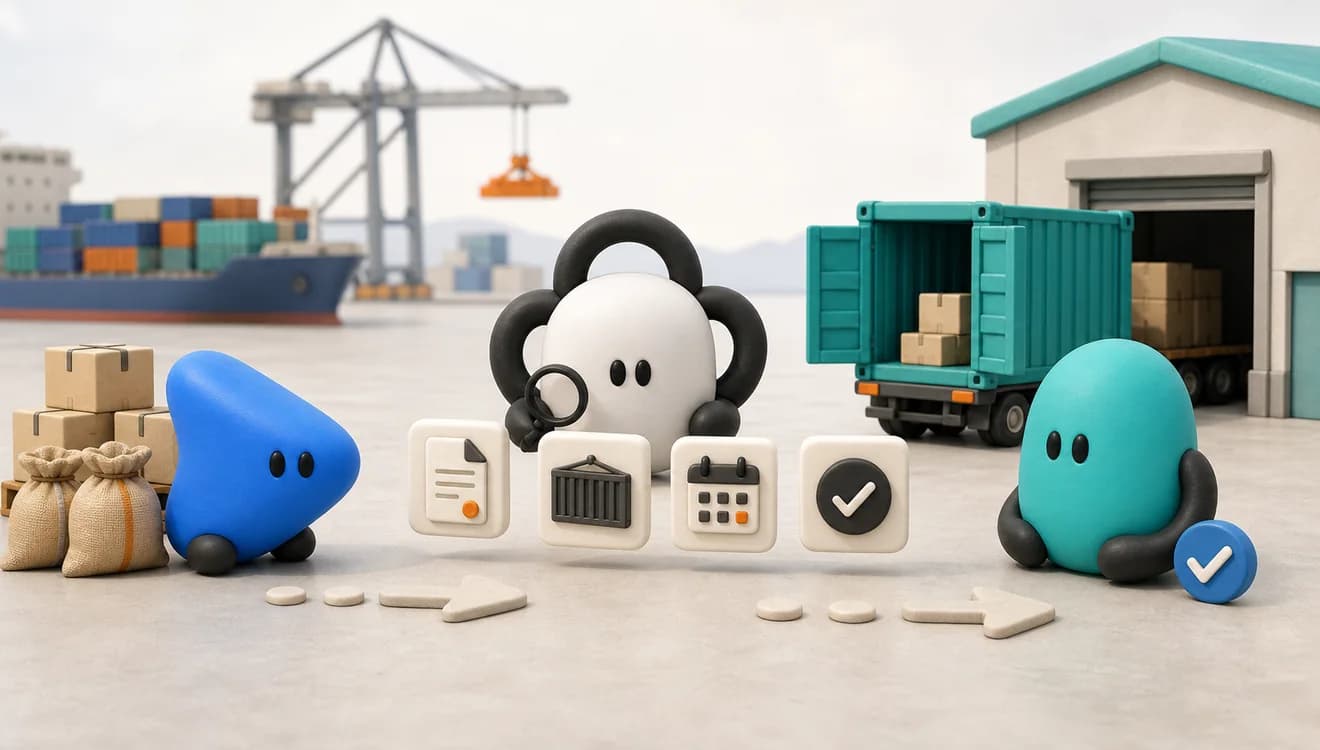
- 01 · Xác định
Chọn thị trường
Bắt đầu từ sản phẩm, mã HS và thị trường đích của bạn.
- 02 · Tìm
Tìm ra nhà nhập khẩu
Xác định các doanh nghiệp xuất hiện trong bản ghi lô hàng liên quan.
- 03 · Xác minh
Đọc bằng chứng
Xem tần suất mua, trị giá, nguồn và độ phủ.
- 04 · Hành động
Ưu tiên người mua
Lập danh sách rút gọn và theo dõi những thay đổi đáng chú ý.
Xem bằng chứng trước khi liên hệ người mua.
Sản lượng cho thấy quy mô. Tần suất mua cho thấy nhà nhập khẩu nào vẫn mua đều. Xu hướng giá bổ sung bối cảnh thương mại. Dùng cả ba — và cả độ phủ đứng sau chúng — trước khi tiếp cận.
Ví dụ minh họa · cà phê · HS 0901 · Mỹ
Tần suất mua
Nhà nhập khẩu xếp hạng theo tần suất mua ghi nhận được
Tách nhà nhập khẩu mua đều khỏi hoạt động chỉ một lần. Dùng tần suất mua để quyết định nên bắt đầu nghiên cứu sâu từ đâu.
- Mua hằng tháng
- 118
- Mua phần lớn các tháng
- 327
- Thỉnh thoảng mua
- 241
- Chỉ mua một lần
- 263
949 nhà nhập khẩu mẫu được xếp hạng · xem độ phủ trước khi diễn giải tổng số
Bằng chứng lô hàng
Vì sao người mua này lọt vào danh sách rút gọn
Xem hoạt động, trị giá, kỳ dữ liệu và nguồn. Số liệu lô hàng luôn gắn với doanh nghiệp, thay vì bị quy thành một điểm số không giải thích được.
- 5,185
- lô hàng
- 43
- tháng có hoạt động
- $1,1 tỷ
- trị giá khai báo
- 0901
- nhóm HS
Nguồn minh họa: hồ sơ hải quan Mỹ đã công bố · chỉ là kỳ dữ liệu ví dụ
Mặt bằng giá
Mặt bằng giá theo tháng trên tuyến hàng đã chọn
Xem biến động trung vị và dải tứ phân vị. Hãy coi biến động đơn giá theo kilogram ghi nhận được là bối cảnh tham khảo, không phải một mức báo giá được đảm bảo.
44 quan sát theo tháng mang tính minh họa · hãy xác nhận đơn vị, tuyến hàng và độ phủ trong kết quả thực tế
Tín hiệu thị trường
Những thay đổi đáng xem lại
Theo dõi khách mới, khách ngừng mua, giá và sản lượng. Theo dõi những gì đã thay đổi, thay vì lặp lại cùng một lần tra thị trường.
- Mới3 nhà nhập khẩu mới xuất hiện trên tuyến hàng trong tháng này
- Ngừng mua1 người mua không còn hoạt động gần đây sau 14 tháng
- GiáGiá trung vị minh họa biến động 8,9% so với tháng trước
- Sản lượngSố lô hàng minh họa biến động 12% so với quý trước
Tín hiệu chỉ để nhắc bạn xem lại; chúng không dự báo đơn hàng tiếp theo của người mua
Xác nhận họ có mua sản phẩm liên quan
Dùng mô tả sản phẩm và nhóm HS để tìm ứng viên, rồi xem chi tiết từng lô hàng. Một nhóm hàng rộng có thể gồm nhiều phẩm cấp, chất liệu hoặc mục đích sử dụng khác nhau. Hãy xác nhận hoạt động ghi nhận được đúng là mặt hàng bạn đang chào bán.
Kiểm tra xem bạn có đáp ứng được mô hình đó không
So sánh quy mô lô hàng, xuất xứ, mức độ tập trung nhà cung cấp và mặt bằng giá sẵn có với năng lực và tuyến hàng của bạn. Trước khi coi một trị giá khai báo là mốc tham chiếu báo giá, hãy kiểm chứng cước vận chuyển, Incoterms, thuế nhập khẩu và khác biệt sản phẩm.
Bộ lọc đầu tiên này loại bỏ những thị trường ít phù hợp trước khi đội ngũ của bạn mất thời gian xác minh từng doanh nghiệp.
Tìm hoạt động lặp lại và gần đây
Đối chiếu số lô hàng với số tháng có hoạt động và các mốc thời gian gần nhất. Một tổng số lịch sử lớn có thể che giấu một người mua đã ngừng nhập khẩu, trong khi những lô hàng nhỏ nhưng đều đặn lại đáng để nghiên cứu sâu hơn. Tần suất mua giúp bạn xếp thứ tự ưu tiên; nó không đảm bảo sẽ có đơn hàng tiếp theo.
Đọc độ phủ trước khi kết luận
Kiểm tra nguồn, kỳ báo cáo và trạng thái độ phủ. Dữ liệu đã được phủ cho phép kết luận chắc chắn hơn một nguồn chỉ phủ một phần. Nếu không có độ phủ, hãy ghi nhận là không quan sát được tuyến hàng đó — chứ không phải doanh nghiệp không giao thương.
Kết quả là một danh sách nghiên cứu đã xếp ưu tiên, không phải phán quyết bán hàng tự động. Hãy xác minh pháp nhân và tình hình kinh doanh hiện tại trước khi tiếp cận.
Biết rõ dữ liệu lô hàng nói được gì — và không nói được gì.
Dữ liệu hải quan và vận đơn có thể hé lộ hành vi mua hàng hữu ích, nhưng một kết luận có trách nhiệm còn phụ thuộc vào nguồn và độ phủ sẵn có trên tuyến hàng bạn chọn.
Dùng dữ liệu thương mại để giảm bất định
Khi bản ghi phủ đúng thị trường và kỳ dữ liệu bạn cần, chúng giúp bạn đổi một danh bạ chưa sàng lọc lấy bằng chứng thương mại quan sát được.
- Xác định nhà nhập khẩu gắn với một sản phẩm hoặc mã HS.
- So sánh tần suất lô hàng, số tháng có hoạt động và quy mô đã khai báo.
- Thấy được xuất xứ, nhà cung cấp và tuyến hàng.
- Theo dõi khách mới, hoạt động đã ngừng và biến động thị trường.
Giữ khâu con người xác minh trong quyết định
Một bản ghi lô hàng là bằng chứng về hoạt động đã được khai báo. Nó không chứng minh nhu cầu mua hiện tại, mức độ khớp sản phẩm, năng lực thanh toán hay sự sẵn sàng đổi nhà cung cấp.
- Đừng coi việc thiếu bản ghi là bằng chứng không có giao thương.
- Đừng mặc định trị giá khai báo tương đương một mức báo giá so sánh trực tiếp được.
- Xác nhận pháp nhân, website và đầu mối liên hệ phù hợp.
- Rà soát cấm vận, thuế nhập khẩu và tuân thủ trước khi giao dịch.
Ra quyết định tốt hơn ở từng bước tìm người mua.
Chọn việc bạn cần làm tiếp theo, rồi đi theo bằng chứng đến một kết quả dùng được.
Lập danh sách rút gọn các nhà nhập khẩu đang hoạt động
Bắt đầu từ những doanh nghiệp có hoạt động lô hàng ghi nhận được khớp với sản phẩm và thị trường mục tiêu của bạn.
Lập danh sách rút gọn →Kiểm tra bằng chứng trước khi tin vào kết quả
Đọc quốc gia, kỳ dữ liệu, nguồn và độ phủ để dữ liệu thiếu không biến thành một kết luận sai.
Kiểm tra độ phủ →Tập trung nghiên cứu vào những người mua đáng dành thời gian
So sánh tần suất mua, quy mô và biến động thị trường để quyết định doanh nghiệp nào cần nghiên cứu sâu hơn.
So sánh người mua →Chuẩn bị tiếp cận với một lý do rõ ràng để liên hệ
Dùng các dấu hiệu lặp lại trên vận đơn và những thay đổi nhà cung cấp để lời chào của bạn đúng lúc, đúng chuyện.
Đọc tín hiệu người mua →Tự dùng web app — hoặc đưa cùng bằng chứng đó vào agent của bạn.
Bắt đầu với trải nghiệm EximAgent có hướng dẫn từng bước, hoặc nối một coding agent vào CLI được hỗ trợ khi việc nghiên cứu cần chạy tiếp ngay trong quy trình của bạn.
Nghiên cứu ngay trên web app
Nhập sản phẩm, mã HS và thị trường mục tiêu. Xem tần suất mua, bằng chứng lô hàng, mặt bằng giá và độ phủ trước khi lập danh sách rút gọn.
Dùng câu lệnh dữ liệu thương mại có cấu trúc
CLI mở tần suất mua, xu hướng giá, bằng chứng lô hàng và các quy trình thương mại khác cho Codex, Claude Code và những coding agent tương thích.
Read https://cli.eximagent.ai/skill and follow the instructions.Bắt đầu từ đúng nhóm HS bạn đang bán.
Bắt đầu với một nhóm HS đã có độ phủ, thay vì trả tiền cho cả kho dữ liệu. Độ phủ được kiểm tra theo đúng sản phẩm và thị trường bạn chọn.
Product Exporter
$149/ tháng
Starter ($50) cộng Market Desk ($99) cho một nhóm HS 4 số đã có độ phủ.
- 500 credit mỗi tháng
- Trọn độ sâu thị trường và hồ sơ lô hàng
- Bảng người mua và nhà cung ứng, xuất được CSV
Market Pulse
$29/ tháng mỗi nhóm HS
- Bản tin thị trường hằng tháng
- Cảnh báo thay đổi người mua và biến động giá
- Top người mua xếp theo tần suất
- Không xuất hồ sơ lô hàng, không truy cập API
Market Desk
$99/ tháng khi có gói Core trả phí
Hoặc $150 mỗi tháng nếu mua riêng.
- Hồ sơ lô hàng đầy đủ
- Dấu vết thương mại của người mua và nhà cung ứng
- Phân tích giao sẵn và kiểm tra đối tác
- API trong phạm vi cho agent của bạn
Dữ liệu xuất nhập khẩu là thông tin thương mại đã được khai báo, mô tả các lô hàng giữa các thị trường. Tùy nguồn, một bản ghi có thể gồm phân loại hàng hóa, nhà nhập khẩu hoặc nhà xuất khẩu, xuất xứ, nơi đến, ngày, số lượng, trọng lượng và trị giá khai báo.
EximAgent dùng bản ghi lô hàng từ hồ sơ hải quan và vận đơn, cùng các nguồn dữ liệu thương mại khác. Mỗi truy vấn lô hàng đều tự báo độ phủ để bạn tự đánh giá kết quả.
HS 2022 có 1.228 nhóm 4 chữ số và 5.612 phân nhóm 6 chữ số. Biểu thuế của từng quốc gia có thể mở rộng mã dài hơn sáu chữ số.
Không. Điều đó có thể chỉ phản ánh độ phủ một phần hoặc không có độ phủ. Hãy đọc trạng thái độ phủ của truy vấn trước khi kết luận.
Được. Bạn có thể làm việc trên web app, hoặc dùng CLI với một agent hỗ trợ câu lệnh có cấu trúc.
Không. Web app đã có sẵn quy trình hướng dẫn từng bước. CLI dành cho những đội muốn để coding agent truy vấn cùng nguồn bằng chứng thương mại đó bằng câu lệnh có cấu trúc.
EximAgent nối bằng chứng lô hàng vào một chuỗi công việc thực tế: xác định sản phẩm và thị trường, so sánh hành vi người mua, kiểm tra độ phủ, nghiên cứu doanh nghiệp và chuẩn bị bước hành động tiếp theo. Web app và CLI là hai lối vào của cùng một quy trình đó.
Bắt đầu từ sản phẩm và thị trường mục tiêu của bạn.
Tìm những nhà nhập khẩu có ghi nhận trong dữ liệu và xem kỹ bằng chứng lô hàng đứng sau danh sách rút gọn.