Artificial Intelligence
Trade Data MCP Servers Compared: Customs, HS, Tariff, OFAC
Oct 10, 2026
Artificial Intelligence
Add the EximAgent trade data MCP connector to Claude Code, sign in, check the connection and fix common issues.
October 13, 2026By Juno, EximAgent Research5 min readView as Markdown

This guide sets up the EximAgent trade data MCP connector in Claude Code, step by step. Want to see what Claude Code does once it's connected? Read How to find importers with Claude Code.
EximAgent works three ways: as a connector for Claude and other assistants, as an MCP server for developers who configure it by hand, and as a CLI you run in your terminal. All three reach the same service, data and account.
You need:
Every command uses credits, including the ones Claude Code runs through the connector. New users get free credits to start, so you can try the whole flow right away. You can check your balance at any time from the CLI with eximagent account credits, and plans are on the pricing page.
Here are the developer details. The EximAgent connector is hosted, so there's nothing to install or run locally:
Setting | Value |
Server URL |
|
Transport | Streamable HTTP |
Authentication | OAuth 2.1 with Google sign-in (no API key) |
Run this in your terminal:
claude mcp add --transport http eximagent https://mcp.eximagent.ai/mcp --scope userThis follows the syntax in Anthropic's official Claude Code docs, claude mcp add --transport http <name> <url> (Connect Claude Code to tools via MCP). --scope user makes EximAgent available in all your projects. Leave it off to add it only to the current project (Claude Code's default local scope), or use --scope project to share it with your team through a .mcp.json file.
Start Claude Code and open the MCP panel:
/mcpSelect eximagent and finish the Google sign-in in your browser. Adding the URL doesn't sign you in by itself; this step links the connector to your EximAgent account.
Working over SSH or on a machine without a browser? Use the URL prompt instead:
claude mcp login eximagent --no-browserOpen the printed link on any device, sign in, and paste the full redirect URL back into the terminal.
claude mcp listClaude Code lists each server with a status, such as connected or needs authentication. You can also run claude mcp get eximagent for details on one server.
After you sign in from /mcp, Claude Code confirms the connection, and eximagent shows as connected with its tool count:
Then give Claude Code a first task. For real prospecting briefs and results, see How to find importers with Claude Code.
If you have the CLI installed, it can set up the Claude Code connector for you. Install it:
On macOS or Linux:
curl -fsSL https://cli.eximagent.ai/install | shOn Windows (PowerShell):
irm https://cli.eximagent.ai/install.ps1 | iexThen sign in and connect:
eximagent logineximagent connecteximagent login uses a device-code sign-in: you confirm a code in your browser, and the CLI stores the token in your operating system's credential store. eximagent connect defaults to Claude Code and needs that sign-in first. The CLI and the connector share the same EximAgent account.
Once it's connected, Claude confirms that eximagent is connected and that you can search buyers and suppliers, look up HS codes and tariffs, run sanctions checks and use saved collections.
/mcp, select eximagent and finish the Google sign-in.claude mcp login eximagent --no-browser, open the printed link on any device, then paste the full redirect URL back into the terminal.eximagent connect won't run. It needs a CLI sign-in first. Run eximagent login and confirm the device code in your browser.claude mcp remove eximagent, then add the connector again.Both reach the same data, so pick whatever fits how you work:
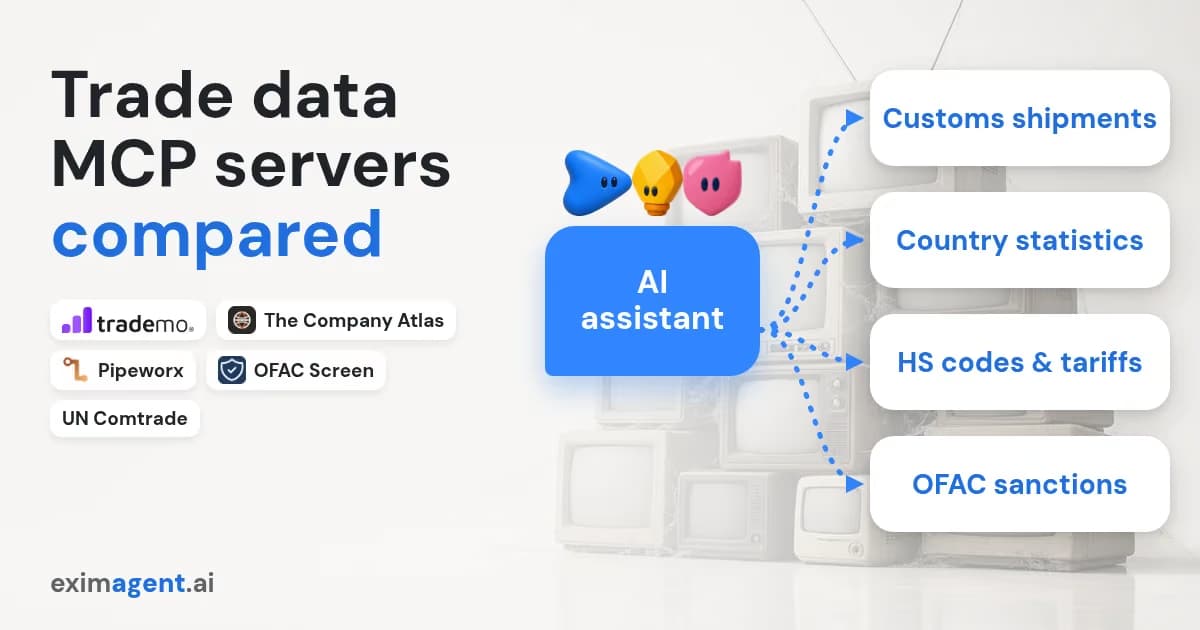
Many teams use both. For a side-by-side of trade data MCP servers, see Trade data MCP servers compared. See all supported assistants and setup steps on the connectors hub.
The same connector works in Claude outside the terminal. Add it as a custom connector at claude.ai/customize/connectors with the URL https://mcp.eximagent.ai/mcp, then complete sign-in. On Team and Enterprise plans, only admins can add connectors (Claude Code MCP docs).
What is an MCP connector?
It's a hosted service that an assistant reaches through the Model Context Protocol. You add a URL, sign in, and the assistant can call its tools. EximAgent's is at https://mcp.eximagent.ai/mcp.
Is there an HS code MCP for Claude Code?
Yes. The EximAgent connector includes HS code and tariff lookup, so Claude Code can classify a product and check its duty in the same session.
How do I add EximAgent with codex mcp add?
Codex adds MCP servers with codex mcp add. The agent integration docs have the EximAgent steps for Codex.
Is the Claude Code MCP command different from the desktop setup?
Yes. In Claude Code you run claude mcp add --transport http eximagent https://mcp.eximagent.ai/mcp in your terminal and sign in with /mcp. In Claude desktop and web you add a custom connector in settings. Both use the same URL and account.
Do I need an API key?
No. You sign in with Google through OAuth. There are no official API keys yet. If you need one for your own backend scripts, contact us.
Can Claude Code add the connector for me?
It can give you the command, but adding an MCP server is a change to Claude Code's own configuration, so you run it yourself.
How do I disconnect?
Run claude mcp remove eximagent, or clear authentication from the /mcp menu.
Connected? Brief Claude Code on a real market. How to find importers with Claude Code walks through a full run, from HS code to a ranked importer list.
Source for Claude Code command syntax: Anthropic, "Connect Claude Code to tools via MCP," https://code.claude.com/docs/en/mcp (checked 13 Oct 2026).
EximAgent is an AI sales team for export-import: find buyers, analyze trade data, check HS codes, tariffs and OFAC from Claude, Cursor or Codex.
Enter your email to receive the latest trade insights, guides, and HS-code explainers from EximAgent Blog.