Global Trade
Bill of Lading Data: What It Reveals About Who's Really Buying
Aug 11, 2026
Artificial Intelligence
Bill of lading data shows who shipped what, to whom and through which port. Most guides explain what it means. This one shows a real record, field by field, and how to pull records into your AI agent or a script with the EximAgent MCP…
October 27, 2026By Juno, EximAgent Research4 min readView as Markdown
Bill of lading data shows who shipped what, to whom and through which port. Most guides explain what it means. This one shows a real record, field by field, and how to pull records into your AI agent or a script with the EximAgent MCP server or CLI. It also shows how to tell when the data can't answer your question.
If you want the business side first, read bill of lading data: what it reveals about buyers and what customs data can and cannot tell you.
curl -fsSL https://cli.eximagent.ai/install | sh
irm https://cli.eximagent.ai/install.ps1 | iex
eximagent login
For an agent, add the MCP server (https://mcp.eximagent.ai/mcp):
claude mcp add --transport http eximagent https://mcp.eximagent.ai/mcp --scope userOther clients are covered in the MCP docs. It's free to start, and you sign in with Google, so there's no key to paste.
eximagent shipments search --hs6 940511 --dest USIn an agent, ask: "Show me recent US import records for HS 940511."
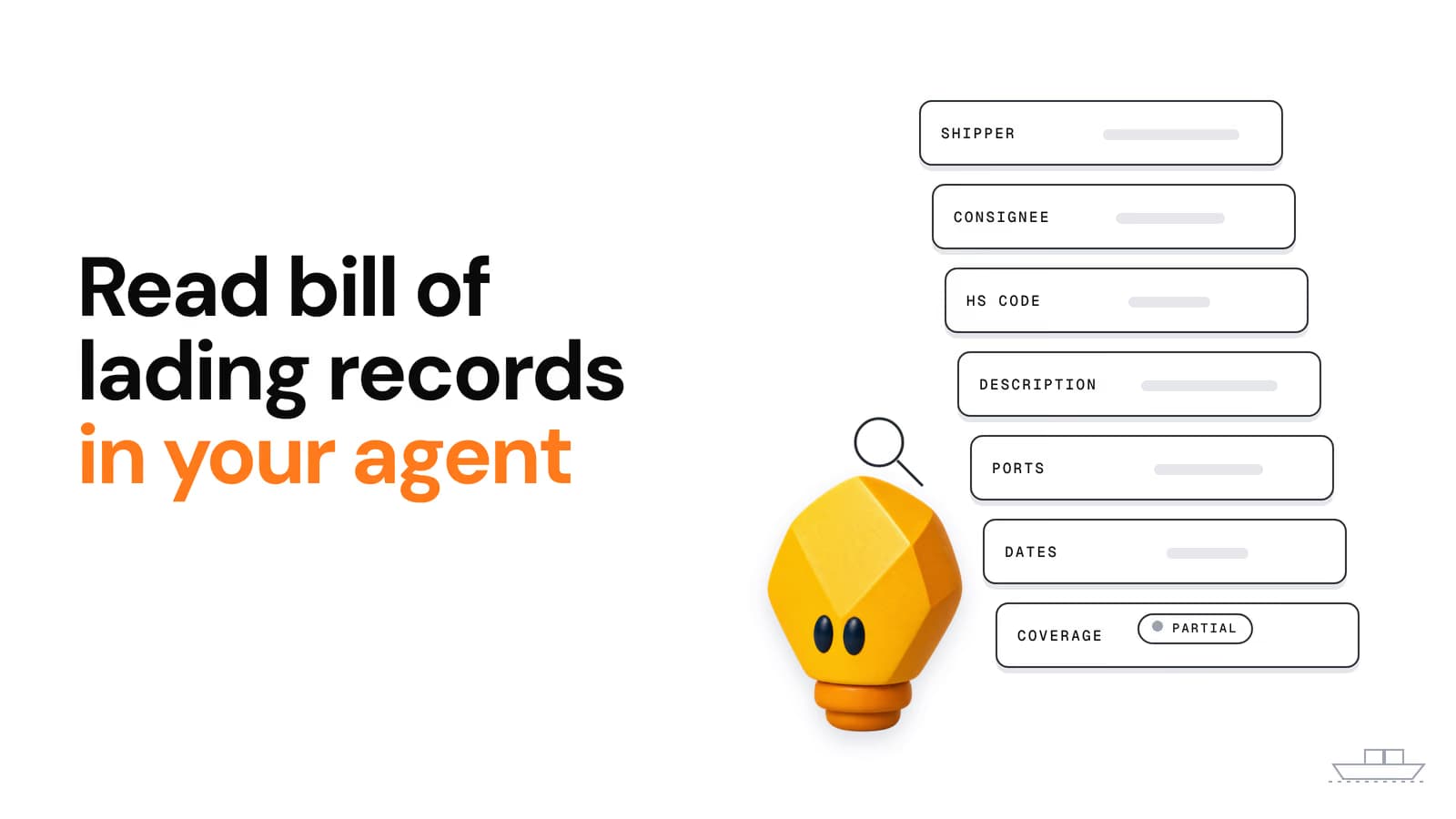
From a US CBP import record returned on 27 Oct 2026 (company names removed):
Field | What it tells you | Watch out for |
|---|---|---|
| Stable ID for fetching the full record later | — |
| When the goods left and when they arrived | Some records list a shipment date after the arrival date. Treat the dates as filed, not as checked. |
| The parties on the document | The consignee may be a forwarder or distributor, not the end buyer |
| Country lane | — |
| Code on the filing | Manifest codes can be wrong (see below) |
| Free-text goods description | Often the most useful field for checking the code |
| Size of the shipment | Units vary |
| Declared value | Usually empty on US manifest data |
| Route and carrier | — |
| The B/L number | — |
| How sure the cleanup step is about the normalised fields | 0.875 on this record |
To see more about a single record:
eximagent shipments get --id <recordId> --view detaileximagent evidence show --id <recordId> --normalized--view also accepts logistics, financials, parties and evidence. evidence show --normalized puts the English-normalised fields next to the raw source record.
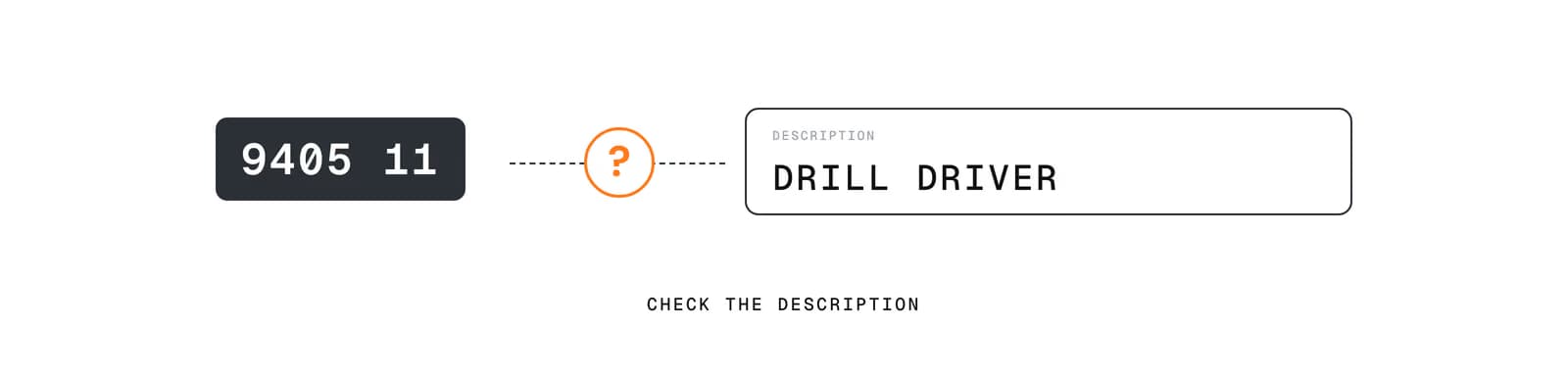
Code says one thing, description says another — always check the description against the HS code.
In the same pull, one record filed under 940511 (LED ceiling luminaires) described its goods as "DRILL DRIVER". The HS code on a manifest is whatever the filer entered. Before you count a company as a buyer of your product, check the description against the code.
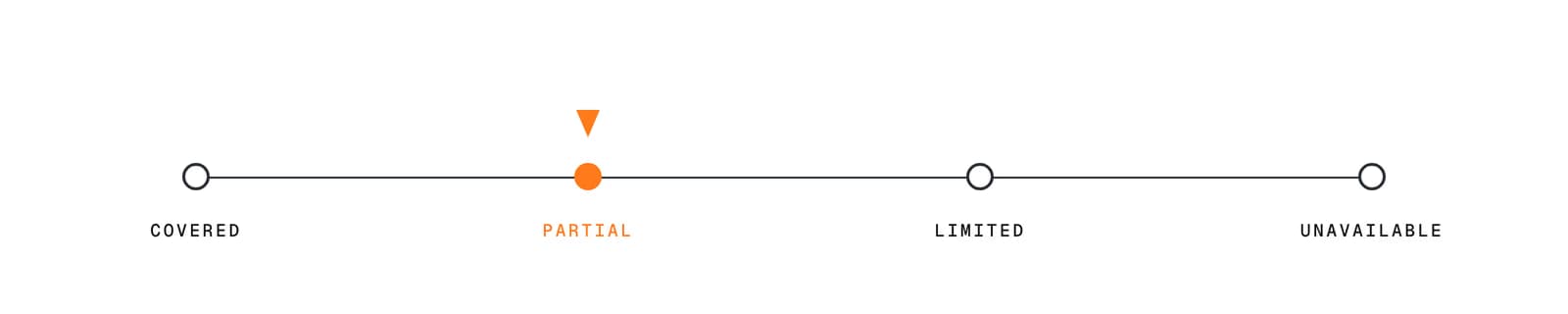
Coverage status scale: covered, partial, limited, unavailable.
Every shipment query returns a coverage block next to the rows. For this query it said:
status: partialThe status field means:
Status | What you may conclude |
|---|---|
| Strong evidence: the query saw the lane properly |
| Directional only. Trends are usable, absolutes are not |
| Directional, and weakly so |
| Nothing usable for that query or period |
No rows doesn't mean no trade. It may mean the lane isn't visible. Report the coverage along with any finding. More detail is in coverage and data sources.
shipments search returns at most 1,000 rows per page. It's for browsing. For questions like "who buys repeatedly" or "is the price rising", use the signal commands, which aggregate over the full matching data on the server:
eximagent shipments buyer-recurrence --hs6 940511 --dest USeximagent shipments market-signals --hs6 940511 --dest USeximagent shipments price-trend --hs6 940511 --dest USeximagent shipments route-signals --hs6 940511 --dest USbuyer-recurrence to find importers that buy repeatedly, not once.If you want your AI team to do this end to end, EximAgent's Outbound teammate finds buyers and drafts the emails. Your own AI agent sends them from your own mailbox.
Is US bill of lading data public?
US CBP releases import manifest data used in these records (see Electronic Vessel Manifest Confidentiality and 19 CFR 103.31; parties may request confidential treatment of names and addresses). That is why US records are often the most detailed. Coverage elsewhere varies, so check the envelope for every lane. More on reading the envelope is in coverage and data sources.
Why are values missing?
US manifest records usually don't declare a value. The coverage note shows how many rows do.
Can my AI agent query this directly?
Yes. Add the MCP server, or in a chat app add the connector, and ask in plain words.
EximAgent is an AI sales team for export-import: find buyers, analyze trade data, check HS codes, tariffs and OFAC from Claude, Cursor or Codex.
Enter your email to receive the latest trade insights, guides, and HS-code explainers from EximAgent Blog.